 Brandon
bcdc98ac27
Brandon
bcdc98ac27
# iOS: Improve Dynamic Thumbstick Feedback, iPad Swipe Camera, and Virtual Layout Management

## Summary

This pull request improves three parts of the iOS Virtual Pad experience:

- Changes the Dynamic Thumbstick maximum-pull indicator from a continuously repeating animation into a single pulse for each threshold crossing.
- Expands Swipe Camera input across the complete left half of the screen on iPad while preserving the existing right-half behavior on iPhone.
- Replaces the direct Share button beside saved layouts with a three-dot menu that provides Rename, Share, and Delete actions.

The changes are limited to the iOS SwiftUI Virtual Pad controls and settings. Emulator-core input, controller mapping, saved layout formats, and iPhone Swipe Camera placement are unchanged.

## Base

- Repository: `ARMSX2/ARMSX2`
- Target branch: `master`
- Rebased master commit: `12a7e3768`

## Changes

### One-shot maximum-pull pulse

Previously, reaching maximum pull set a Boolean state that drove a repeating SwiftUI animation. The origin continued pulsing for as long as the touch remained beyond the maximum-pull threshold.

The new implementation treats reaching maximum pull as an event:

1. The existing overextension threshold and hysteresis determine when the gesture crosses into maximum pull.
2. A pulse token increments only on the transition from not overextended to overextended.
3. The visual grows with a short spring animation.
4. It returns to its resting scale and opacity with an ease-out animation.
5. It remains at rest while the touch stays overextended.
6. Moving back below the hysteresis boundary allows a later threshold crossing to trigger one new pulse.

This behavior applies to:

- Normal Dynamic Thumbsticks
- Swipe Camera after it converts into Dynamic Joystick mode

The existing maximum-pull haptic remains tied to the same threshold-crossing event.

### Full left-side Swipe Camera input on iPad

On iPad, Swipe Camera was positioned over the upper/right-side input region and did not cover the intended touch area.

The Swipe Camera view now retains its half-screen width but uses a device-specific horizontal position:

- iPad: the full left half of the gameplay surface
- iPhone: the existing right half of the gameplay surface

Only the input-zone placement changes. Swipe sensitivity, Dynamic Joystick conversion, camera output, touch lifecycle, and visual settings continue using the existing implementation.

### Saved-layout three-dot menu

Each saved layout previously displayed a dedicated Share icon. It is now replaced by an accessible three-dot menu with:

- **Rename Layout**
  - Opens a text-field alert initialized with the current display name.
  - Uses the existing preset-store rename operation.
  - Reports rename errors through the existing layout message alert.

- **Share Layout**
  - Uses the existing layout export and system share-sheet flow.
  - Does not change the exported layout format.

- **Delete Layout**
  - Uses a destructive menu role.
  - Requires confirmation before deletion.
  - Uses the existing preset-store deletion operation so active global or per-game references fall back according to the store’s established behavior.
  - Reports deletion errors through the existing layout message alert.

The menu has a descriptive accessibility label containing the layout name.

## Files Changed

- `platforms/ios/app/src/main/swift/Views/Controller/DynamicThumbstickControls.swift`
- `platforms/ios/app/src/main/swift/Views/VirtualControllerView.swift`
- `platforms/ios/app/src/main/swift/Views/Settings/VirtualPadSettingsView.swift`

## User-visible Behavior

### Before

- Maximum-pull origin feedback repeated indefinitely while held past maximum pull.
- iPad Swipe Camera accepted input only from the previous limited/right-side zone.
- Saved layouts exposed only a direct Share button.

### After

- Maximum pull produces one clear pulse per threshold crossing.
- iPad Swipe Camera accepts gestures throughout the full left half of the gameplay surface.
- Saved layouts expose Rename, Share, and Delete from one compact three-dot menu.
- iPhone Swipe Camera placement remains unchanged.

## Compatibility and Data Impact

- No changes to the layout file schema.
- No migration is required.
- Existing saved layouts remain compatible.
- Existing layout export/import behavior remains compatible.
- No changes to emulator-core controller input.
- No changes to physical-controller support.
- No changes to Dynamic Thumbstick sensitivity or deadzone calculations.
- The implementation remains within the existing iOS 17+ deployment target.

## Validation

- Rebased onto the latest `origin/master` without conflicts.
- `git diff --check` passes.
- Full unsigned iOS Release IPA build completed with `platforms/ios/scripts/build-ios-ipa.sh`.
ARMSX2 — Native ARM64 JIT Fork of PCSX2

ARMSX2 is a free and open-source PlayStation 2 (PS2) emulator based on PCSX2. Its purpose is to emulate the PS2's hardware, using a combination of MIPS CPU Interpreters, Recompilers and a Virtual Machine which manages hardware states and PS2 system memory. This allows you to play PS2 games on your phone, PC, or gaming handheld, with many additional features and benefits.
Thank You
The ARMSX2 team is eternally indebted to the PCSX2 project it is based on. We are so fortunate to build on their 20 years of hardcore development.
About This Fork
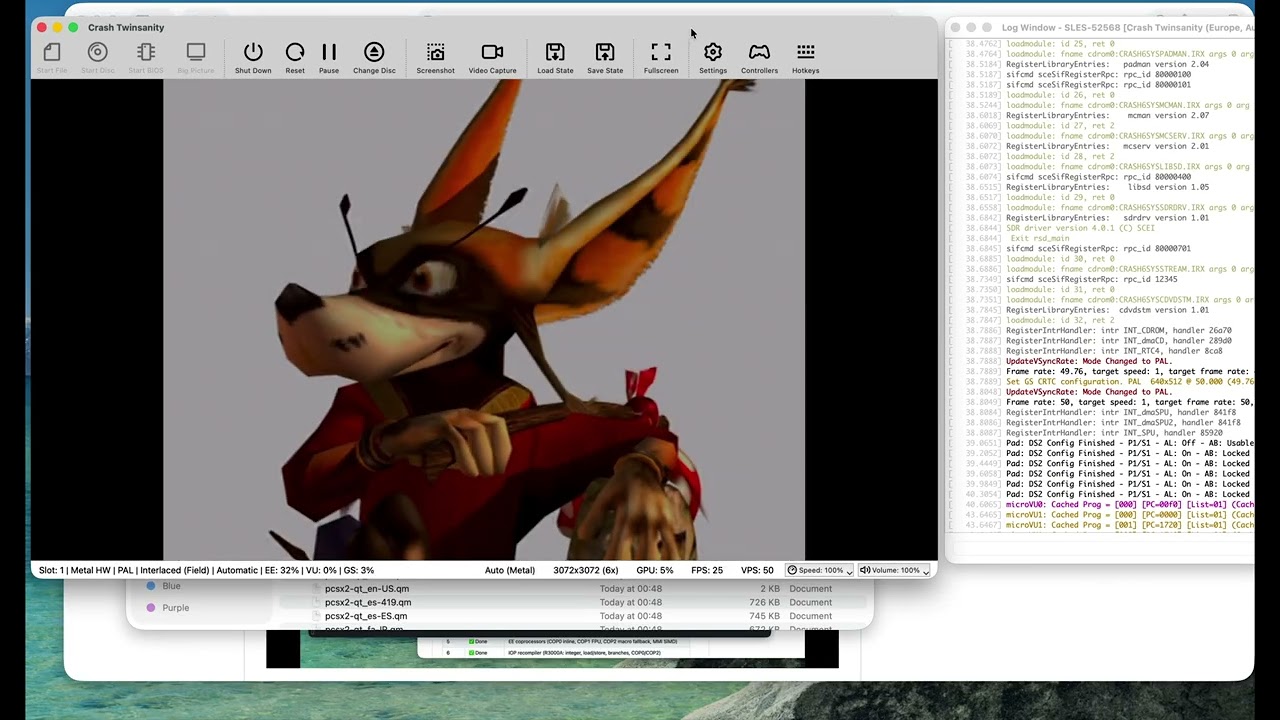
The upstream PCSX2 project ships an ARM64 interpreter build for ARM, but its high-performance JIT recompilers (EE, IOP, VU0, VU1, and vtlb fast memory) are x86-64 only.
This fork exists to close that gap. The goal is to preserve the correctness features of 20 years of PCSX2 development, while generating the fastest native ARM performance possible.
Current status:
- ✅ EE (Emotion Engine) recompiler — integer, float, MMI, COP0/COP1/COP2, branches, load/store
- ✅ IOP (I/O Processor / R3000A) recompiler — full integer, load/store, branches, coprocessors
- ✅ VU (Vector Unit) recompiler — microVU skeleton + Upper FMAC vector ISA complete; Lower ISA and runtime complete
- ✅ vtlb fast memory
- ✅ Native ARM64 binary builds and boots the PS2 BIOS
- ✅ 2D games are already playable
- ✅ 3D games run
Why LLMs / AI Were Used
A word on methodology:
The x86-64 JIT code in upstream ARMSX2 is already proven correct — it has run thousands of PS2 titles for years. The challenge in this port is not emulator design or JIT theory; it is mechanical translation of a large, well-understood x86-64 assembly codebase into equivalent ARM64 assembly (via VIXL) while preserving the exact same register-allocation contracts, block lifecycle, and recompiler semantics.
Large language models (LLMs) were used as an accelerant for this translation work — pattern-matching x86 JIT boilerplate to ARM64 equivalents, scaffolding emit routines, and keeping the porting velocity high. The JIT logic (block compiler, dispatcher, analysis passes, flag pipelines, clamping rules, Tri-Ace hacks, etc.) is taken directly from the upstream x86 implementation and validated against it. Nothing was hallucinated from scratch.
In other words: the hard engineering was done by the PCSX2 team over two decades. The hard typing — translating ~50k lines of x86 emitter code into ARM64 — is what AI helped compress.
System Requirements
ARMSX2 targets ARM64 across desktop (macOS, Windows, Linux) and mobile (Android, iOS/iPadOS), all from the single shared core. Our setup documentation page contains additional details on software and hardware requirements.
Please note that a BIOS dump from a legitimately-owned PS2 console is required to use the emulator. For more information, visit this page.
Building
Check out our github actions for the latest build recipe