 jpolo1224
517fa69c4c
jpolo1224
517fa69c4c
Changing any setting at all — brightness, a speedhack, a controller binding —
made the on-screen display disappear.

The OSD has two independent controls that both write the same native flags. The
per-stat selection in settings, and the MODE picked from the in-game menu or the
hotkey (Full / Minimal / Custom / Off). Settings.applyTo() pushes the per-stat
osdShow* flags unconditionally, and applyTo runs on EVERY settings change, so it
was overwriting whatever mode was active with the Custom flag set. On most
setups the Custom set is mostly off, which is why the symptom reads as the OSD
vanishing rather than as it changing.

The mode STATE was never lost — InGameOverlay.osdMode still said Full, and the
in-game menu still showed Full. Only the native flags had been replaced, so the
UI and the screen disagreed and nothing looked wrong from the app's side.

Fixed at the applyTo choke point rather than at its five call sites: a re-assert
that reapplies the mode when it is anything other than Custom. Custom is left
alone deliberately — applyTo has just written exactly what Custom means, and
re-applying would be a redundant round trip through the CPU thread.

This is the same shape as the boot-time applyStoredOsdMode() and the
second-display reapplyOsdMode(), which already restore the mode after something
else has pushed flags underneath it. applyTo was the third place that needed it
and the only one that had no such guard.
ARMSX2 — Native ARM64 JIT Fork of PCSX2

ARMSX2 is a free and open-source PlayStation 2 (PS2) emulator based on PCSX2. Its purpose is to emulate the PS2's hardware, using a combination of MIPS CPU Interpreters, Recompilers and a Virtual Machine which manages hardware states and PS2 system memory. This allows you to play PS2 games on your phone, PC, or gaming handheld, with many additional features and benefits.
Thank You
The ARMSX2 team is eternally indebted to the PCSX2 project it is based on. We are so fortunate to build on their 20 years of hardcore development.
About This Fork
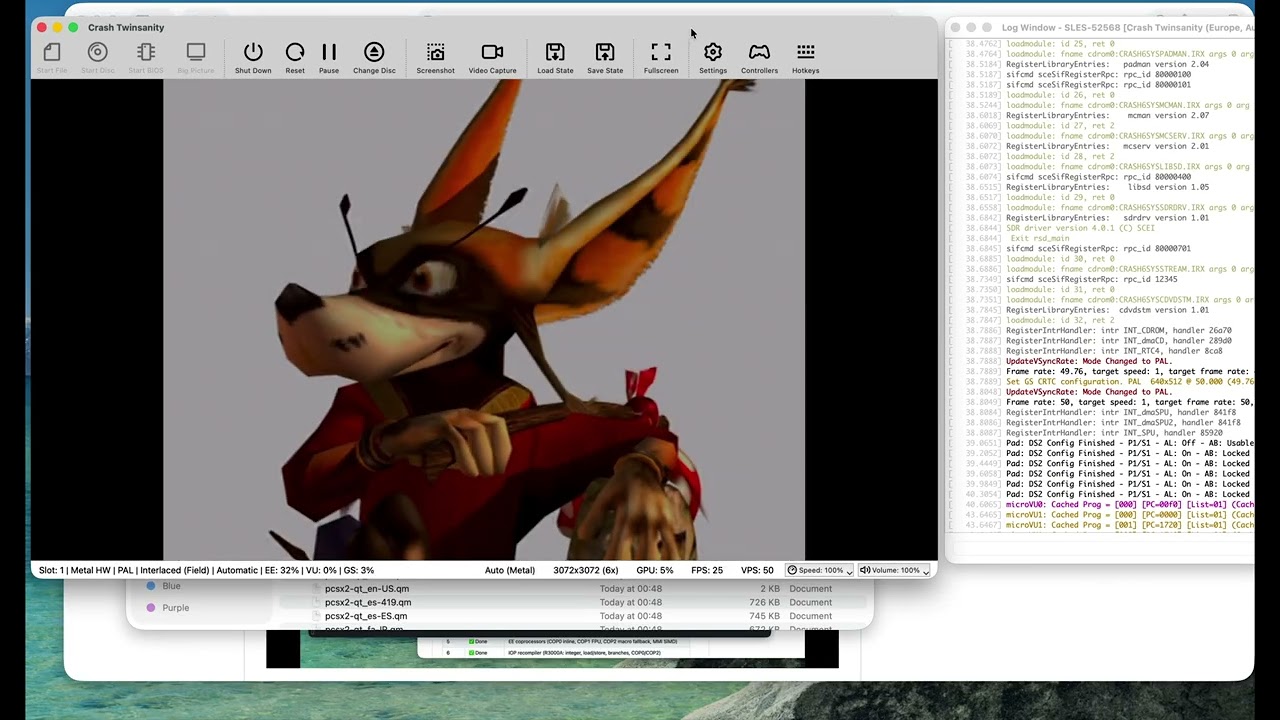
The upstream PCSX2 project ships an ARM64 interpreter build for ARM, but its high-performance JIT recompilers (EE, IOP, VU0, VU1, and vtlb fast memory) are x86-64 only.
This fork exists to close that gap. The goal is to preserve the correctness features of 20 years of PCSX2 development, while generating the fastest native ARM performance possible.
Current status:
- ✅ EE (Emotion Engine) recompiler — integer, float, MMI, COP0/COP1/COP2, branches, load/store
- ✅ IOP (I/O Processor / R3000A) recompiler — full integer, load/store, branches, coprocessors
- ✅ VU (Vector Unit) recompiler — microVU skeleton + Upper FMAC vector ISA complete; Lower ISA and runtime complete
- ✅ vtlb fast memory
- ✅ Native ARM64 binary builds and boots the PS2 BIOS
- ✅ 2D games are already playable
- ✅ 3D games run
Why LLMs / AI Were Used
A word on methodology:
The x86-64 JIT code in upstream ARMSX2 is already proven correct — it has run thousands of PS2 titles for years. The challenge in this port is not emulator design or JIT theory; it is mechanical translation of a large, well-understood x86-64 assembly codebase into equivalent ARM64 assembly (via VIXL) while preserving the exact same register-allocation contracts, block lifecycle, and recompiler semantics.
Large language models (LLMs) were used as an accelerant for this translation work — pattern-matching x86 JIT boilerplate to ARM64 equivalents, scaffolding emit routines, and keeping the porting velocity high. The JIT logic (block compiler, dispatcher, analysis passes, flag pipelines, clamping rules, Tri-Ace hacks, etc.) is taken directly from the upstream x86 implementation and validated against it. Nothing was hallucinated from scratch.
In other words: the hard engineering was done by the PCSX2 team over two decades. The hard typing — translating ~50k lines of x86 emitter code into ARM64 — is what AI helped compress.
System Requirements
ARMSX2 targets ARM64 across desktop (macOS, Windows, Linux) and mobile (Android, iOS/iPadOS), all from the single shared core. Our setup documentation page contains additional details on software and hardware requirements.
Please note that a BIOS dump from a legitimately-owned PS2 console is required to use the emulator. For more information, visit this page.
Building
Check out our github actions for the latest build recipe