 jpolo1224
292941c216
jpolo1224
292941c216
Three view models transformed their OWN snapshot rather than current state, so
every write shipped the whole Settings object as it looked when the screen
opened, reverting anything changed elsewhere since. ConfigStore then cemented
it: a pinned per-game key was re-pinned from that stale object, so a wrong
value became sticky and survived. Writers now transform live state, and a
pinned key the caller did not touch keeps its stored value.

The pause menu scheduled its resume on the composition's coroutine scope,
which on Android dispatches on Choreographer FRAME callbacks. Once the menu
closed there was nothing left to draw, no frame was scheduled, and the
continuation after the dismiss delay was never delivered - the VM was simply
never told to resume. Diagnosed from the tell that tapping the on-screen
controls sped up recovery: touch input schedules a frame.

Auto Progressive Scan set Triangle+Cross once, but the pad is initialised
during boot and wiped it before the game ever sampled it, so it did nothing
in Tekken 4 while holding by hand worked. It re-asserts now, and releases
shortly after the ELF starts instead of jamming the buttons for 30s.

Adds: 0% touch-control opacity (#428), optional screen pinning so a controller
Home button cannot minimise the game (#425), a library cover-size slider, a
DualShock 2 pressure-modifier amount, scrolling for long setting descriptions,
render-pass coalescing in the Android settings and pause menu, and the four
new settings registered for search.
ARMSX2 — Native ARM64 JIT Fork of PCSX2

ARMSX2 is a free and open-source PlayStation 2 (PS2) emulator based on PCSX2. Its purpose is to emulate the PS2's hardware, using a combination of MIPS CPU Interpreters, Recompilers and a Virtual Machine which manages hardware states and PS2 system memory. This allows you to play PS2 games on your phone, PC, or gaming handheld, with many additional features and benefits.
Thank You
The ARMSX2 team is eternally indebted to the PCSX2 project it is based on. We are so fortunate to build on their 20 years of hardcore development.
About This Fork
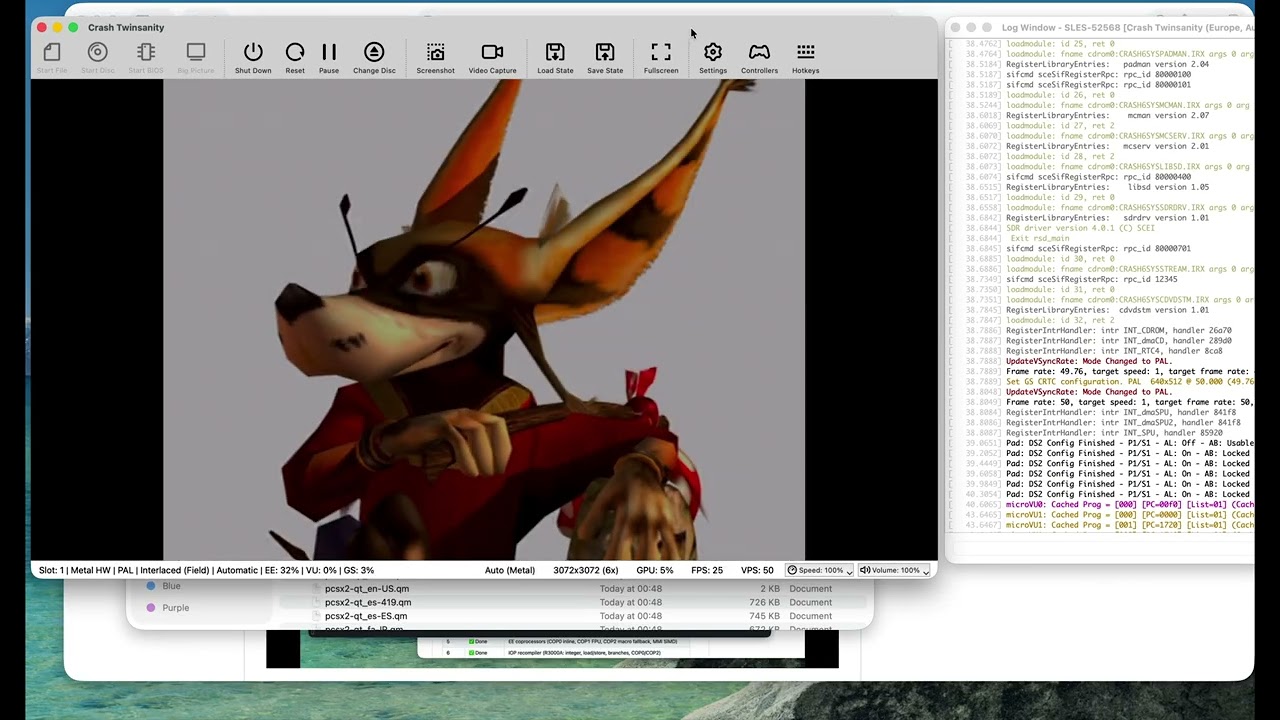
The upstream PCSX2 project ships an ARM64 interpreter build for ARM, but its high-performance JIT recompilers (EE, IOP, VU0, VU1, and vtlb fast memory) are x86-64 only.
This fork exists to close that gap. The goal is to preserve the correctness features of 20 years of PCSX2 development, while generating the fastest native ARM performance possible.
Current status:
- ✅ EE (Emotion Engine) recompiler — integer, float, MMI, COP0/COP1/COP2, branches, load/store
- ✅ IOP (I/O Processor / R3000A) recompiler — full integer, load/store, branches, coprocessors
- ✅ VU (Vector Unit) recompiler — microVU skeleton + Upper FMAC vector ISA complete; Lower ISA and runtime complete
- ✅ vtlb fast memory
- ✅ Native ARM64 binary builds and boots the PS2 BIOS
- ✅ 2D games are already playable
- ✅ 3D games run
Why LLMs / AI Were Used
A word on methodology:
The x86-64 JIT code in upstream ARMSX2 is already proven correct — it has run thousands of PS2 titles for years. The challenge in this port is not emulator design or JIT theory; it is mechanical translation of a large, well-understood x86-64 assembly codebase into equivalent ARM64 assembly (via VIXL) while preserving the exact same register-allocation contracts, block lifecycle, and recompiler semantics.
Large language models (LLMs) were used as an accelerant for this translation work — pattern-matching x86 JIT boilerplate to ARM64 equivalents, scaffolding emit routines, and keeping the porting velocity high. The JIT logic (block compiler, dispatcher, analysis passes, flag pipelines, clamping rules, Tri-Ace hacks, etc.) is taken directly from the upstream x86 implementation and validated against it. Nothing was hallucinated from scratch.
In other words: the hard engineering was done by the PCSX2 team over two decades. The hard typing — translating ~50k lines of x86 emitter code into ARM64 — is what AI helped compress.
System Requirements
ARMSX2 targets ARM64 across desktop (macOS, Windows, Linux) and mobile (Android, iOS/iPadOS), all from the single shared core. Our setup documentation page contains additional details on software and hardware requirements.
Please note that a BIOS dump from a legitimately-owned PS2 console is required to use the emulator. For more information, visit this page.
Building
Check out our github actions for the latest build recipe