mirror of
https://github.com/armbian/autotests.git
synced 2026-01-06 10:31:09 -08:00

Armbian auto testing
Collection of basic auto tests
How to start?
- Clone sources and go inside folder autotests
git clone https://github.com/armbian/autotests
cd autotests
-
Edit userconfig/configuration.sh
- set wlan SSID/password
- set test subnet or IP address(s)
- set MAC address of your BT device (Android phone for example)
- change numer of passes (optional)
- change stress time in seconds (optional)
-
Run:
./go.sh
What this tool does?
Connects to host(s) or all Armbian hosts in your subnet and run tests found in tests in alphabetical order.
One test cycle:
[ o.k. ] Host x.x.x.x found [ Run 1 out of 1 ]
[ o.k. ] 0001-connect-wireless-devices-on-2.4Ghz.bash [ Tinkerboard @ x.x.x.x ]
[ o.k. ] ...  [ wlan0 ]
[ o.k. ] ...  [ wlxxxxxxxxxxxxx ]
[ o.k. ] ...  [ wlxxxxxxxxxxxxx ]
[ o.k. ] ...  [ wlxxxxxxxxxxxxx ]
[ o.k. ] ...  [ wlxxxxxxxxxxxxx ]
[ o.k. ] ...  [ wlxxxxxxxxxxxxx ]
[ o.k. ] ...  [ wlxxxxxxxxxxxxx ]
[ o.k. ] 0003-iperf-on-all-interfaces.bash [ Tinkerboard @ x.x.x.x ]
[ o.k. ] ..."eth0" ethernet (rk_gmac-dwmac), hw, mtu 1500 [ ~941 MBits/s ~944 MBits/s ]
[ o.k. ] ..."wlan0" wifi (rtl8723bs), hw, mtu 1500 [  ~50 MBits/s ]
[ o.k. ] ..."148f 7601" wifi (mt7601u), hw, mtu 1500 [  ~28 MBits/s ]
[ o.k. ] ..."Realtek 802.11n NIC" wifi (8188eu), hw, mtu 1500 [  ~60 MBits/s ]
[ o.k. ] ..."Realtek 802.11ac NIC" wifi (rtl8821cu), hw, mtu 1500 [  ~0 MBits/s ]
[ o.k. ] ..."Realtek 802.11ac WLAN Adapter" wifi (rtl88xxau), hw, mtu 2312 [  ~61 MBits/s ]
[ o.k. ] ..."Ralink 802.11 n WLAN" wifi (rt2800usb), hw, mtu 1500 [  ~55 MBits/s ]
[ o.k. ] ..."Realtek AC1200 MU-MIMO USB2.0 Adapter" wifi (rtl88x2bu), hw, mtu 1500 [  ~58 MBits/s ]
[ o.k. ] 0005-connect-wireless-devices-on-5.0Ghz.bash [ Tinkerboard @ x.x.x.x ]
[ o.k. ] ...  [ wlan0 ]
[ o.k. ] ...  [ wlxxxxxxxxxxxxx ]
[ o.k. ] ...  [ wlxxxxxxxxxxxxx ]
[ o.k. ] ...  [ wlxxxxxxxxxxxxx ]
[ o.k. ] ...  [ wlxxxxxxxxxxxxx ]
[ o.k. ] ...  [ wlxxxxxxxxxxxxx ]
[ o.k. ] ...  [ wlxxxxxxxxxxxxx ]
[ o.k. ] 0003-iperf-on-all-interfaces.bash [ Tinkerboard @ x.x.x.x ]
[ o.k. ] ..."eth0" ethernet (rk_gmac-dwmac), hw, mtu 1500 [ ~941 MBits/s ~944 MBits/s ]
[ o.k. ] ..."wlan0" wifi (rtl8723bs), hw, mtu 1500 [  ~22 MBits/s ]
[ o.k. ] ..."Realtek 802.11ac NIC" wifi (rtl8821cu), hw, mtu 1500 [  ~118 MBits/s ]
[ o.k. ] ..."Realtek AC1200 MU-MIMO USB2.0 Adapter" wifi (rtl88x2bu), hw, mtu 1500 [  ~130 MBits/s ]
[ o.k. ] 0008-bluetoth.bash [ Tinkerboard @ x.x.x.x ]
[ o.k. ] Bluetooth ping to your test device was succesfull [ Mi Telefon ]
[ o.k. ] 0016-dvfs.bash [ Tinkerboard @ x.x.x.x ]
[ o.k. ] DVFS works [ 600 - 1800 Mhz ]
[ o.k. ] 9999-reboot.bash [ 21:51:57 ]
[ o.k. ] Rebooting in 3 seconds [ x.x.x.x ]
Which tests are executed?
| test name | function |
|---|---|
| 0000-armbian-first-login.bash | Changes password and creates username |
| 0001-connect-wireless-devices-on-2.4Ghz.bash | Connects wireless devices on 2.4G band |
| 0003-iperf-on-all-interfaces.bash | Check speed on all devices |
| 0005-connect-wireless-devices-on-5Ghz.bash | Connects wireless devices on 5G band |
| 0007-iperf-on-all-interfaces.bash | Check speed on all devices |
| 0008-bluetoth.bash | Ping Bluetooth device to check basic BT functionality |
| 0015-strong-stressing.bash | Running heavy stressing for n seconds |
| 0016-dvfs.bash | Get min and max CPU temperature to see if DVFS is operational |
| 0019-7-zip-benchmark.bash | Run 7Zip benchmark |
| 9999-reboot.bash | Reboot the board |
To do:
- improve errors catching
- common data collecting
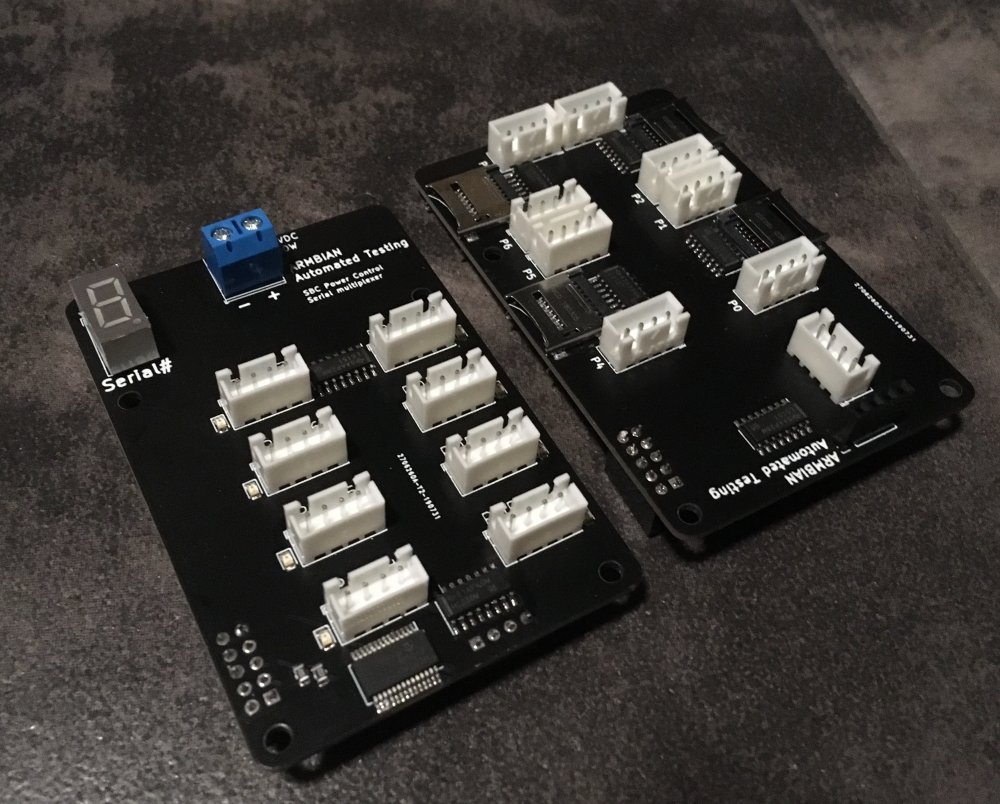
- support custom test board https://forum.armbian.com/topic/10841-the-testing-thread