You've already forked trmnl-component
mirror of
https://github.com/usetrmnl/trmnl-component.git
synced 2026-04-29 13:34:55 -07:00
 Ryan Kulp
TRMNL Web Component
A customizable terminal-style display component for modern web applications.
Overview
TRMNL is a versatile custom web component that provides a stylish terminal-like frame for displaying content. It supports both iframe sources and direct HTML content with multiple styling options.
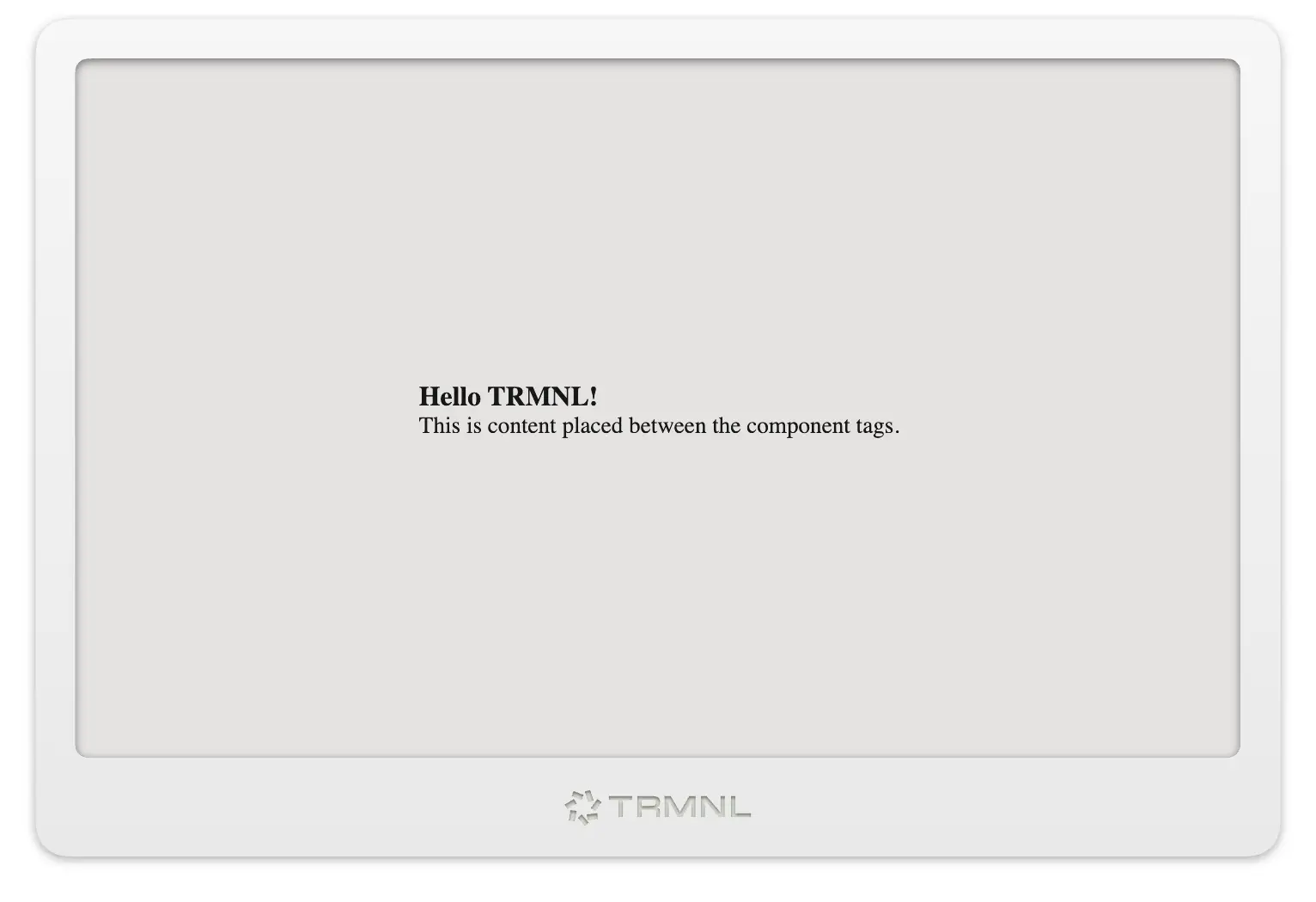
Features
- Multiple Content Sources: Load content from external URLs or inject HTML directly
- Custom Color Themes: Choose from white, black, and mint themes
- Responsive Design: Automatically adapts to its container size
- JavaScript API: Programmatically control content and appearance
- CSS Scoping: Content is isolated in an iframe for better style encapsulation
Installation
<script src="trmnl-component.js" defer></script>
Or import from CDN
<script src="https://usetrmnl.com/js/latest/trmnl-component.js" defer></script>
Basic Usage
Loading External Content
<trmnl-frame src="https://example.com/content.html"></trmnl-frame>
With Direct HTML Content
<trmnl-frame color="mint">
  <div class="screen">
    <div class="view">
      <h1>My Custom Content</h1>
    </div>
  </div>
</trmnl-frame>
Customizing Appearance
<trmnl-frame
  color="black"
  class="w-full h-64"
  style="margin: 20px auto;"
  src="https://example.com/dashboard.html">
</trmnl-frame>
API Reference
Attributes
| Attribute | Description | Default |
|---|---|---|
src |
URL to load in the iframe | - |
color |
Color theme (white, black, mint) | "white" |
class |
CSS classes to apply to the component | - |
style |
Inline styles to apply to the component | - |
Methods
| Method | Description |
|---|---|
setHTML(html) |
Sets HTML content directly inside the component |
clearContent() |
Clears all content from the component |
setSrc(url) |
Sets the URL to load in the iframe |
getHTML() |
Gets the current HTML content |
JavaScript Usage
// Get reference to the component
const terminal = document.getElementById('my-terminal');

// Set HTML content
terminal.setHTML('<div>Dynamic content</div>');

// Change source
terminal.setSrc('https://example.com/new-content.html');

// Clear content
terminal.clearContent();

// Get current HTML content
const content = terminal.getHTML();
Content Structure
When inserting content directly, it's wrapped in a standard HTML template that includes TRMNL styles:
<!doctype html>
<html lang="en">
    <head>
        <link rel="stylesheet" href="https://usetrmnl.com/css/latest/plugins.css"/>
        <script type="text/javascript" src="https://usetrmnl.com/css/latest/plugins.js"></script>
        <meta charset="utf-8" />
        <title>TRMNL</title>
    </head>
    <body class="trmnl">
        <!-- Your content here -->
    </body>
</html>
Browser Support
TRMNL uses modern web technologies including Custom Elements and Shadow DOM. It is supported in all major browsers:
- Chrome/Edge (latest)
- Firefox (latest)
- Safari (latest)
Examples
You can find more examples in the examples.html file within this repository.
License
MIT License
Contributing
Contributions are welcome! Please feel free to submit a Pull Request.